You can use a prompt to quickly generate a first draft of a report in Easy Insight. Create a new report, then go to the 'AI' menu and choose 'Generate from Prompt':
AI report generation in Easy Insight is based on Recommended Fields. Most data sources will have a variety of out of the box recommended fields, but you can customize this list or define your own if necessary as documented under Recommended Fields.
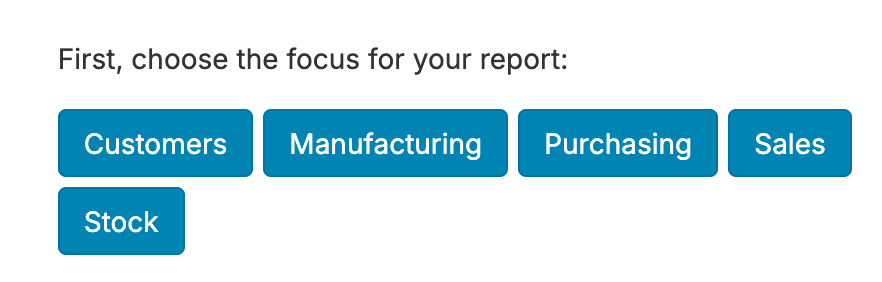
Depending on your data source, you may be asked to choose whether you're setting up a report on Sales, Purchases, Manufacturing, or other tags. This way, the query can identify the relevant fields for something like 'Show me the orders created in the last 90 days?' and determine whether you mean sales orders, purchase orders, or manufacturing orders.
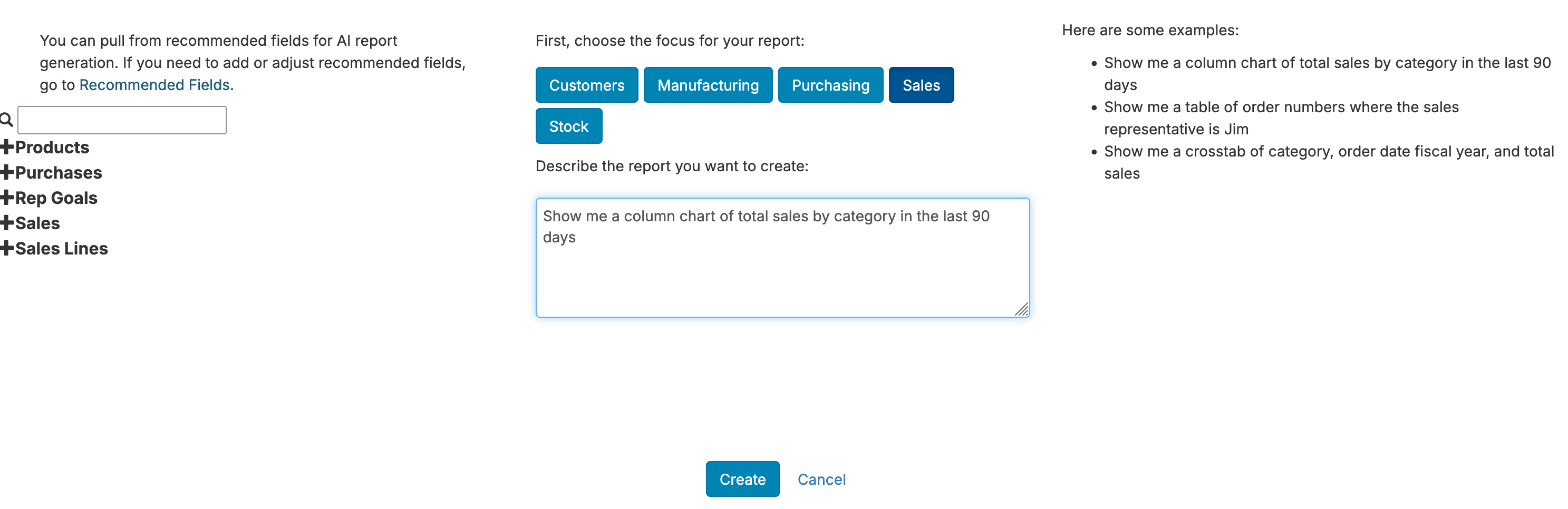
Once you've set an initial tag (if necessary), you can put in a query. Here are a variety of examples:
The screenshot below shows an example prompt:
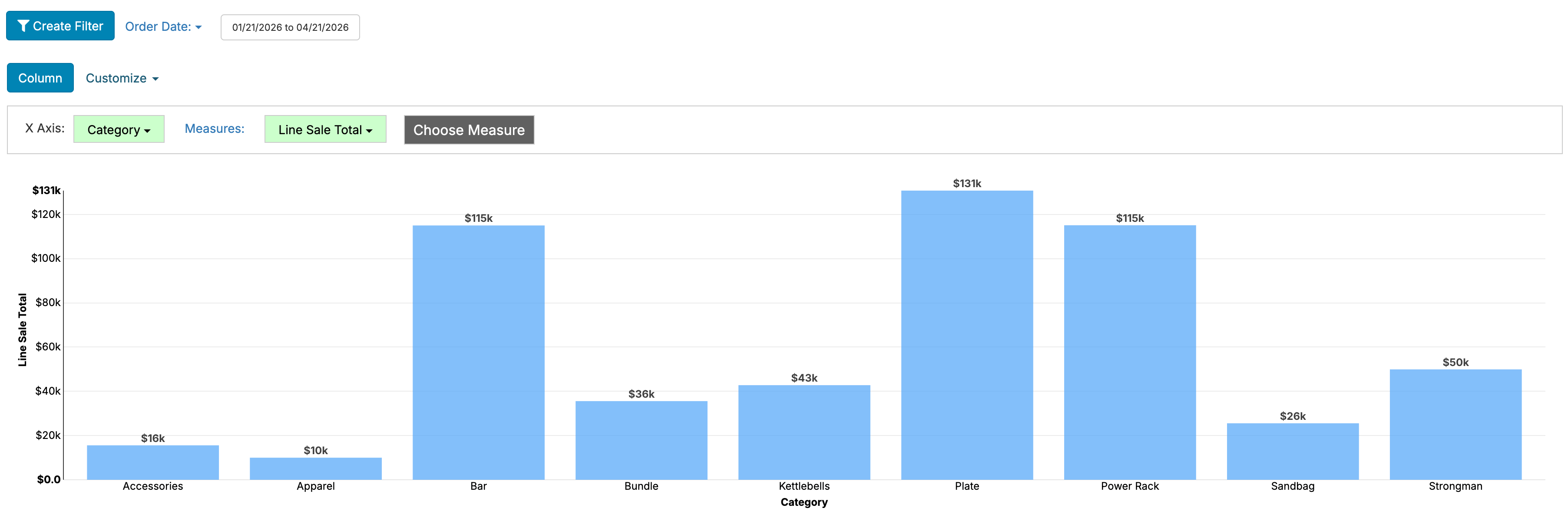
Which in turn gives the following report:
Make sure to double check the produced report to make sure it meets the criteria you wanted. If the report doesn't do what you want, you can reload the report editor in the browser to discard the changes and try again. Right now, this functionality isn't intended to be applied to existing reports.
Right now, the AI generation on our side tries to do the following: