
Easy Insight and Trello Documentation
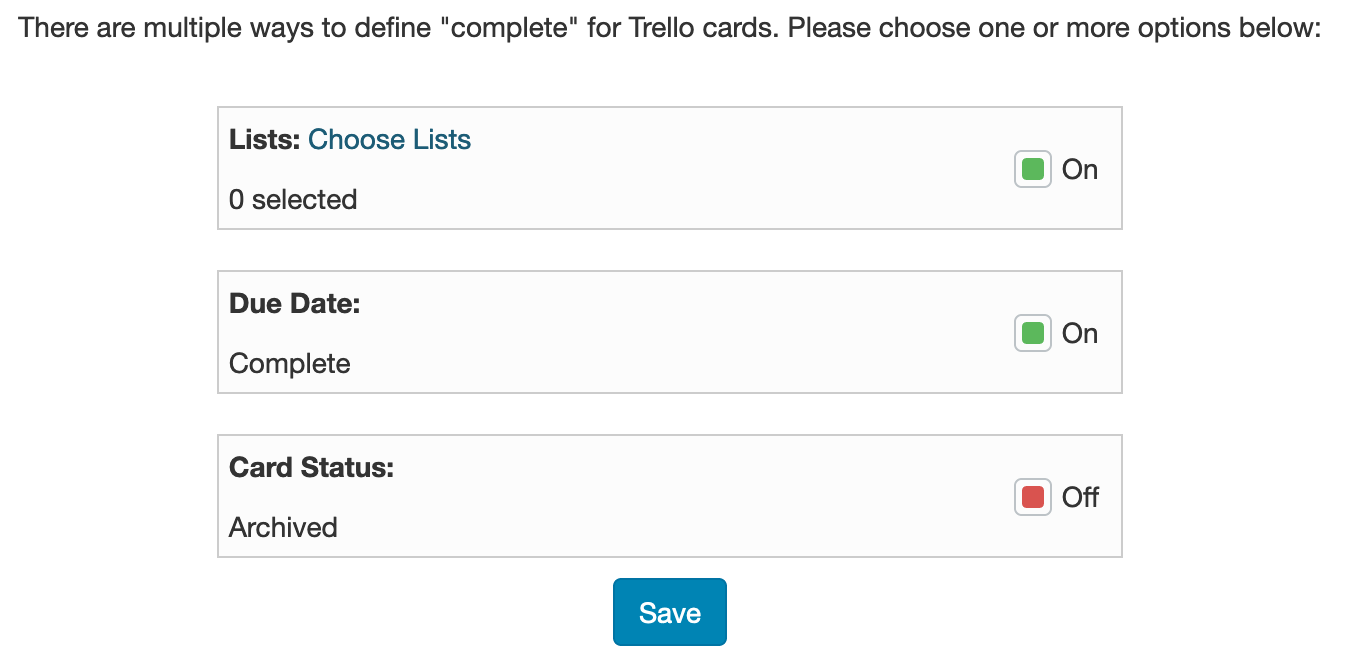
Since Trello allows multiple ways to have a card "completed" depending on your workflow, you'll need to tell Easy Insight about your workflow. When you first create your connection, you'll be prompted to tell Easy Insight how you define that a card has been completed:
If you need to change these settings, you can always click on 'Configure Card Completion' on your Trello data source page to pull up the screen and change configuration.
Trello Fields
True if the card has been archived.
When the card was marked as complete through the logic defined in the setup page for 'How are cards marked as complete?'
The number of cards.
When the card was created.
The due date of the card.
True if the card due date has been marked as complete.
The date at which point the card due date was marked as complete.
The internal ID of the card in Trello.