Users
Managing Users
You can add, edit, or remove users on your account from the Users page under Account Settings:

User Types
User types:
- Viewer - viewers are users who can view the reports and dashboards your designers have created. The number of viewers depends on your plan, and you can add more. See Pricing for the limits on each plan.
- Data Editor - users who can enter data into the system.
- Designer - designers are users who can create and modify reports and dashboards. Your account has a fixed number of designers. Additional designer licenses can be purchased from your Account - Upgrade Account page.
- Designer Admin - designer admins are designers with admin rights.
Adding Users
Click on the 'Add or Remove User' link, then choose the type of user you wish to create. This click will take you to the new user screen:
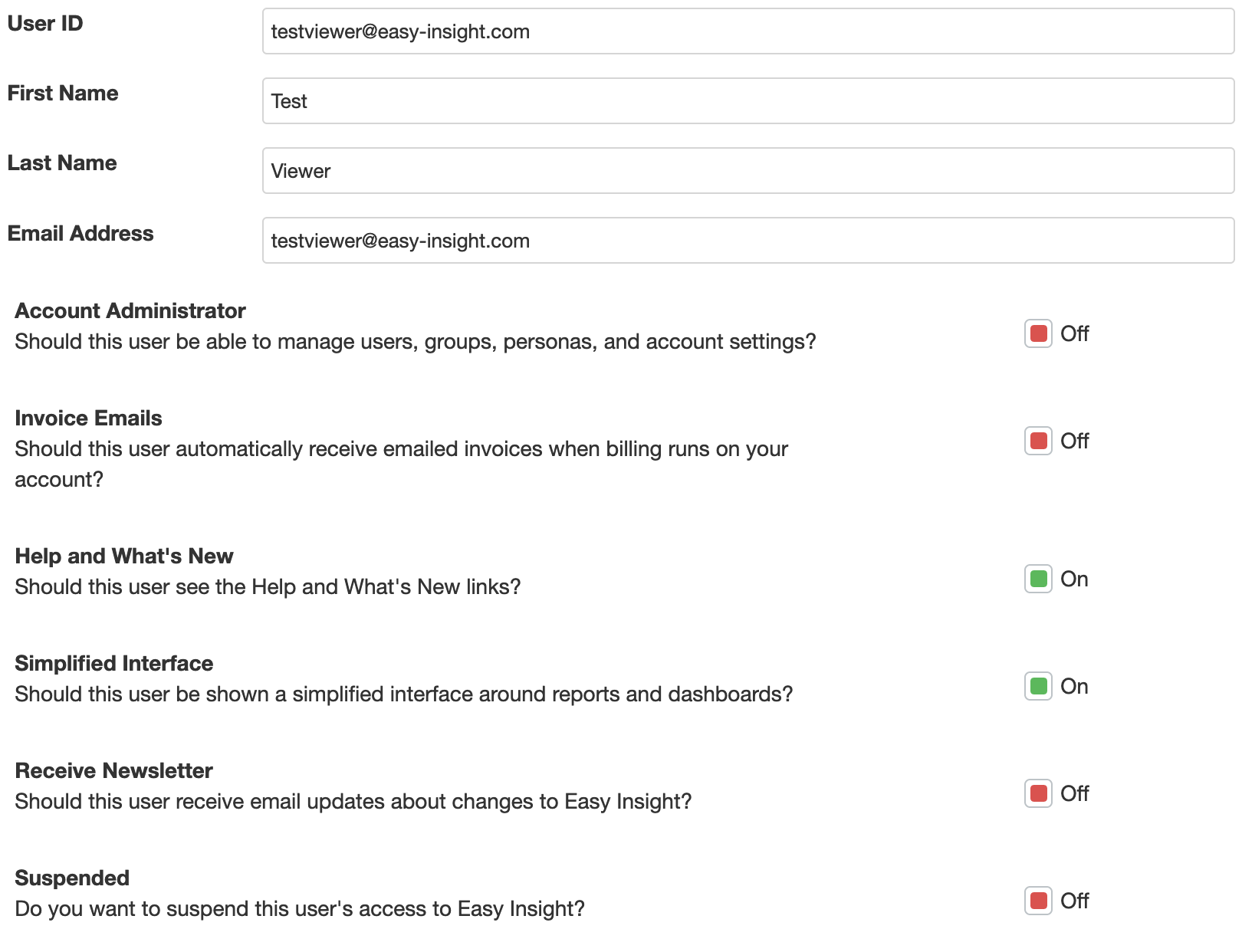
You can control which particular data a user is able to access using Personas. When you select a persona for a user, you can then associate particular filters to the user. When he or she looks at reports in Easy Insight, these filters will be automatically applied behind the scenes to everything the user sees:

The different Groups in your account are shown in list form, with the option to add the users to each. If you check the "Should this user only see reports and dashboards part of groups they belong to?" checkbox, users will only see reports, dashboards, and data sources that are part of groups that they themselves are part of.

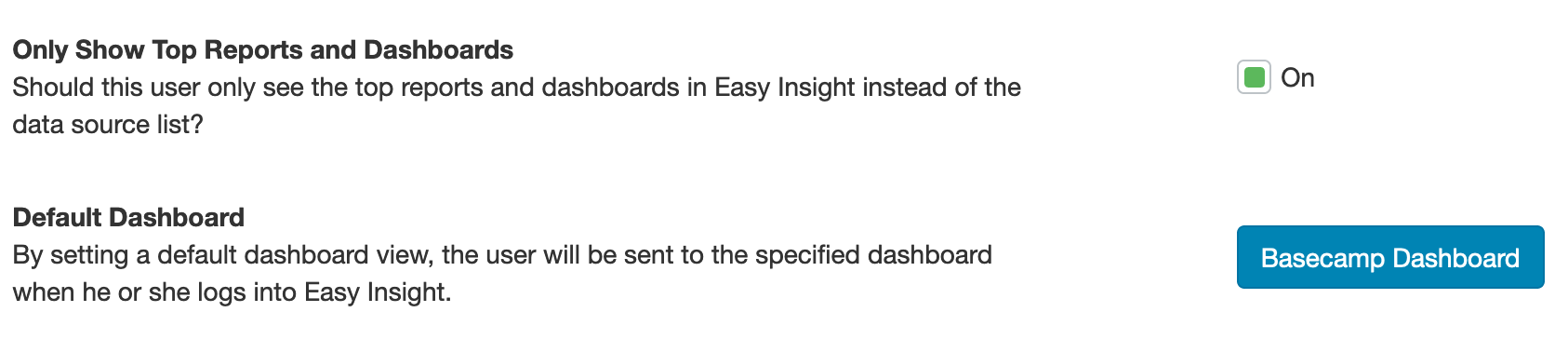
If you check "Only Show Top Reports and Dashboards", the user will only see those top reports and dashboards when he or she logs into Easy Insight. This setting can be useful for making sure that a viewer only sees a particular dashboard and not any additional links that may be confusing.
If you specify a default dashboard, the user will be redirected to the selected dashboard when he or she logs into Easy Insight: