Easy Insight Groups
Managing Groups
Groups enable you to do two things in Easy Insight. They enable you to restrict user access to particular data sources, dashboards, or reports. They also enable you to consolidate a set of users for purposes of scheduling emails--instead of repeatedly selecting the same users for a particular email delivery, you can just select a group as the email recipient and add/remove users from that group as necessary.
You can add, edit, or remove groups on your account from the Groups page under Account Settings:

You can create a group by clicking on the Add Group button or edit a group by clicking on its name in the table.
Group Permissions
For each user you include in a group, you can set them with different privilege levels:
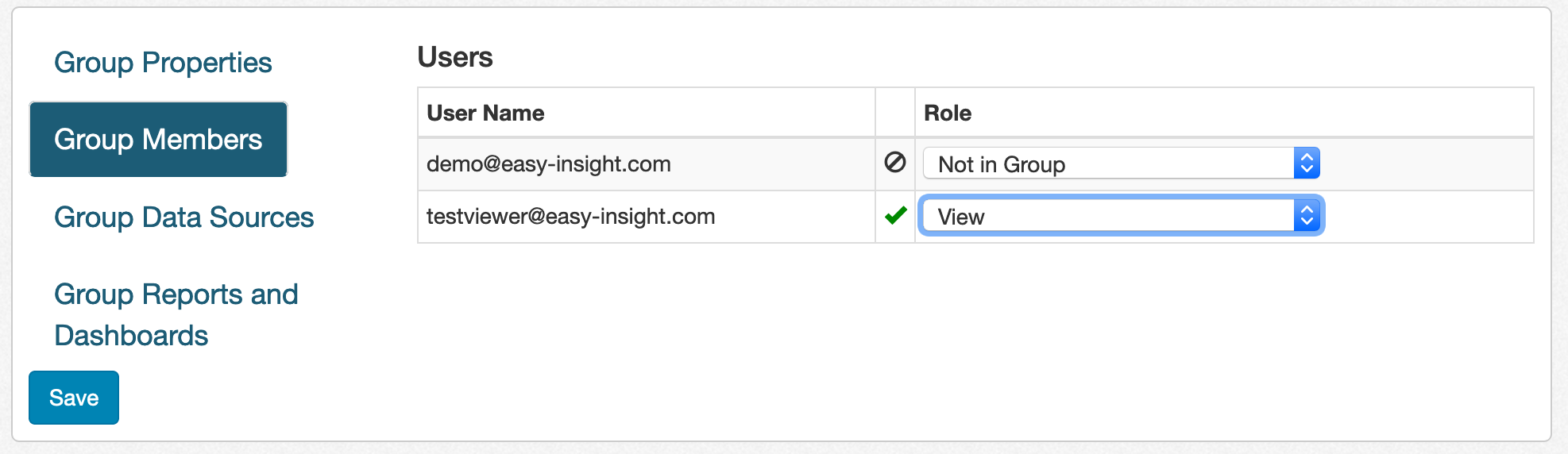
- View is the only privilege level available to Viewers. Users with this privilege level can only view reports and dashboards.
- Create, Edit, and View allows users to create and edit reports and dashboards on data sources that are part of the group, but doesn't allow them to delete anything.
- Create, Edit, View, and Delete allows users to create, edit, and delete reports and dashboards on data sources that are part of the group.
Data Sources and Reports
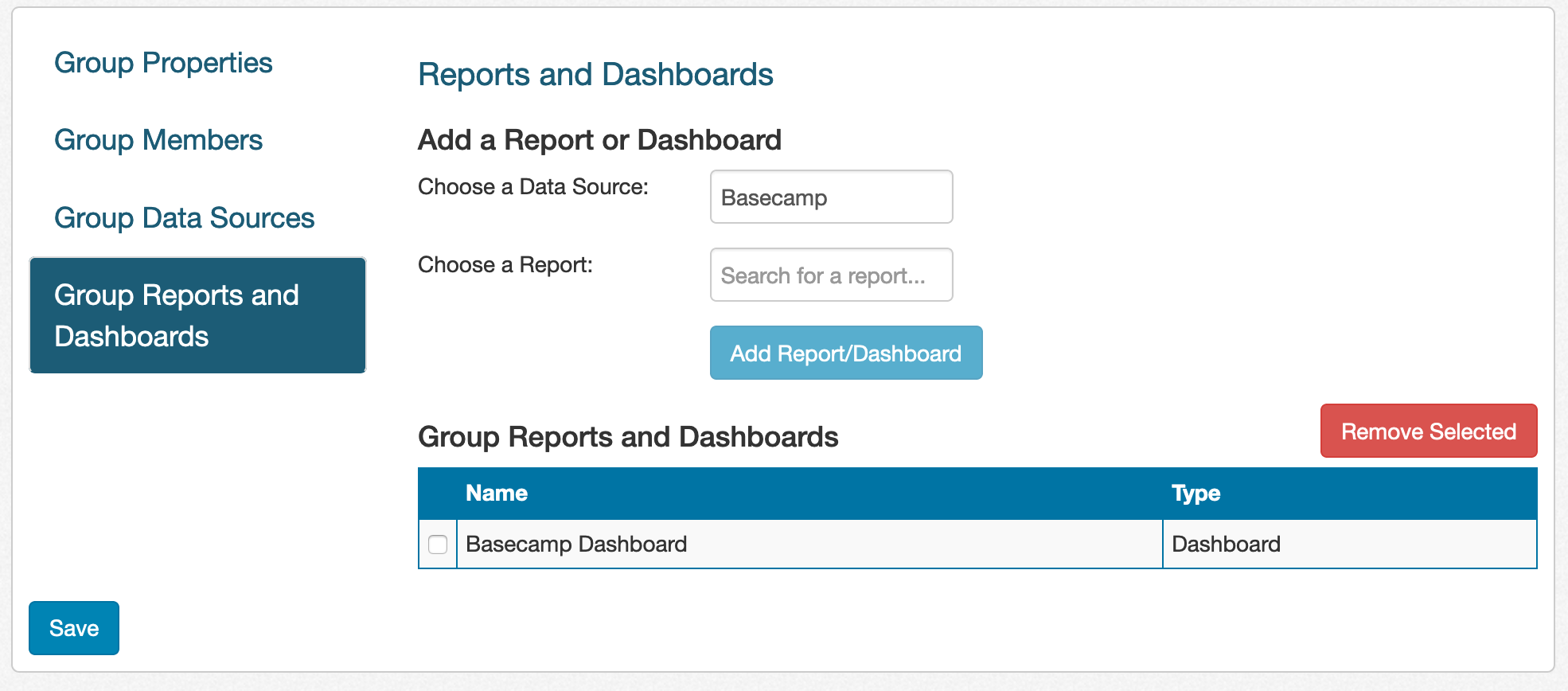
You can add data sources, reports, and dashboards to a group: